
What’s borked — and why it matters
LED façades look flawless until they don’t. Dead pixels, weird color shifts, random flicker — that’s the scoreboard that tells you maintenance failed. You want the thing to be plug-and-play, but outdoor kits get dust, moisture, thermal stress, and firmware quirks. If you’re running a transparent setup, don’t treat the led curtain display like a one-off prop; it’s a continuous system that needs checks and protocols. Short version: ignore the basics and you’ll be replacing cabinets mid-campaign. Quick fixes don’t cut it.
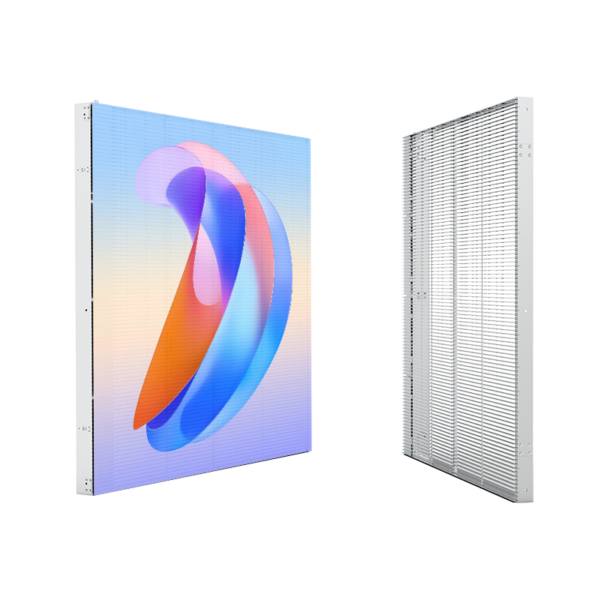
The core problems to hunt first
Power instability kills modules. Bad drivers show as dim bands. Poor sealing equals corrosion over months. Software mismatches create color drift after updates. Thermal hotspots shorten LED lifetime fast. Most people miss diagnostics because they treat the façade like a screen that only needs a wipe. It’s not. It’s an outdoor distributed compute + optics platform. Diagnose like an engineer, not a janitor.
EEAT: real-world anchor and why you should trust this
I’ve run maintenance on mixed indoor/outdoor façades for nearly a decade, from stadium wraps to mall fronts. You’ll see the same failure modes on big installations — think New York’s Times Square — where scale amplifies small mistakes into visible disasters. Field experience taught me to log firmware versions, standardize power rails, and keep an organized replacement cabinet kit. Real projects backed up by industry reports show facade deployments face humidity and thermal cycling as primary failure drivers, which is why a disciplined service plan matters. When you’re diagnosing a facade led screen, start with the power rail, then driver chain, then optics; that sequence saves hours.
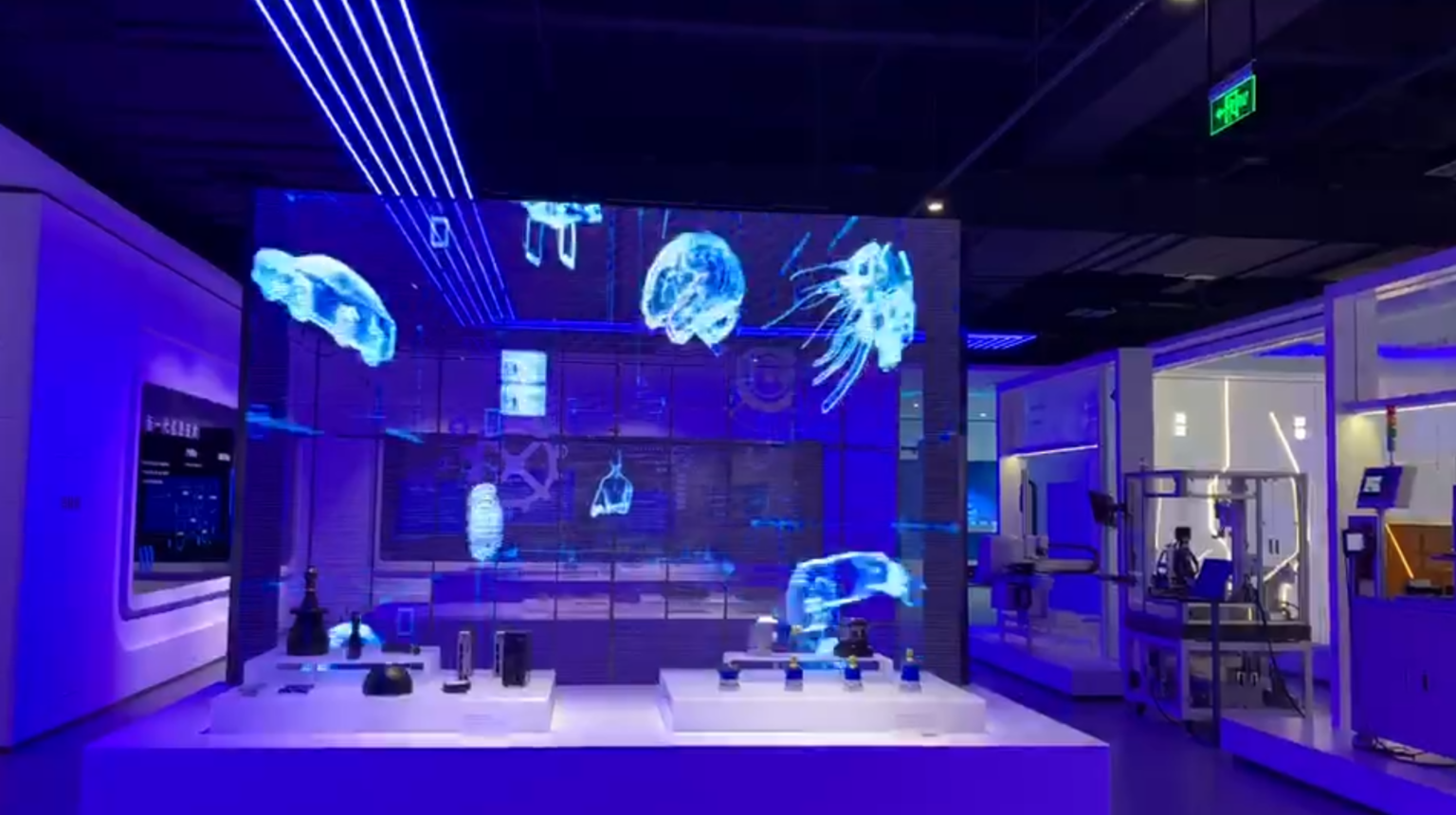
Practical fixes, in order
1) Baseline: map every module, note serials, log firmware. 2) Monitor: set up current and temp sensors per zone. 3) Clean: dry dusting monthly, wet cleaning quarterly with low-pressure, pH-neutral solutions. 4) Seal checks: inspect gaskets and drainage twice a year. 5) Spare strategy: keep common-module and driver spares on-site. 6) Firmware: test updates on a staging cabinet before fleet rollout. Avoid swapping modules blindly; trace the fault first. Do these and you avoid most emergency night calls.
Common mistakes that waste time and money
Thinking visual inspection is enough. Ignoring firmware drift. Skipping thermal mapping. Using generic replacement modules without checking binning and calibration. Throwing manpower at symptoms instead of logs. Each mistake costs days during campaigns. Fix the process, and the uptime follows.
Checklist for a service-ready facade team
Carry: multimeter, IR thermometer, spare drivers (matched bins), spare modules, sealing tape, low-pressure washer. Have: a version-controlled firmware repo, module mapping, an incident log with timestamped images. Protocols: pre-show run 48 hours out, post-show cool-down check, quarterly full audit. Training: rotate technicians through diagnostics and firmware staging. Communication: single-owner ticketing for each fault. Tight, simple, repeatable.
Wrap — what you get when you do it right
Do this and your façade behaves like a predictable system: fewer surprise blackouts, consistent color, and longer life per module. The payoff is less emergency downtime and cleaner budgets. For teams that need a supplier who understands staged rollouts and long-haul servicing, HDC fits into operational plans without forcing gimmicks — practical gear, parts logic, and service patterns that match real-world needs.