
A precise start: Why meetings still feel heavy
Let’s define a simple idea: every meeting has a “latency budget.” It’s the small delay from tap to response, from speak to hear, from share to see. A paperless conference system saves trees and toner, yes, but many rooms still burn time on slow switching, mismatched devices, and fragile links. In one common scenario, hybrid sessions lose 8–12 minutes to setup while remote attendees stare at a spinner—funny how that works, right?
Picture a boardroom where 200 pages of print are gone, yet the projector needs a manual nudge, the network drops a packet, and the audio echo lingers. Data tells a soft truth: shaving paper doesn’t always shave friction. When the codec pipeline hiccups or the QoS tags are wrong, the paperless win is overshadowed by jitter and drift. So here’s the question we should ask: where does the real lag originate—people, devices, or the path between them? Let’s unpack where the friction really comes from and set up a gentler way forward.
Deeper fault lines: where traditional fixes fall short
Where do the bottlenecks really hide?
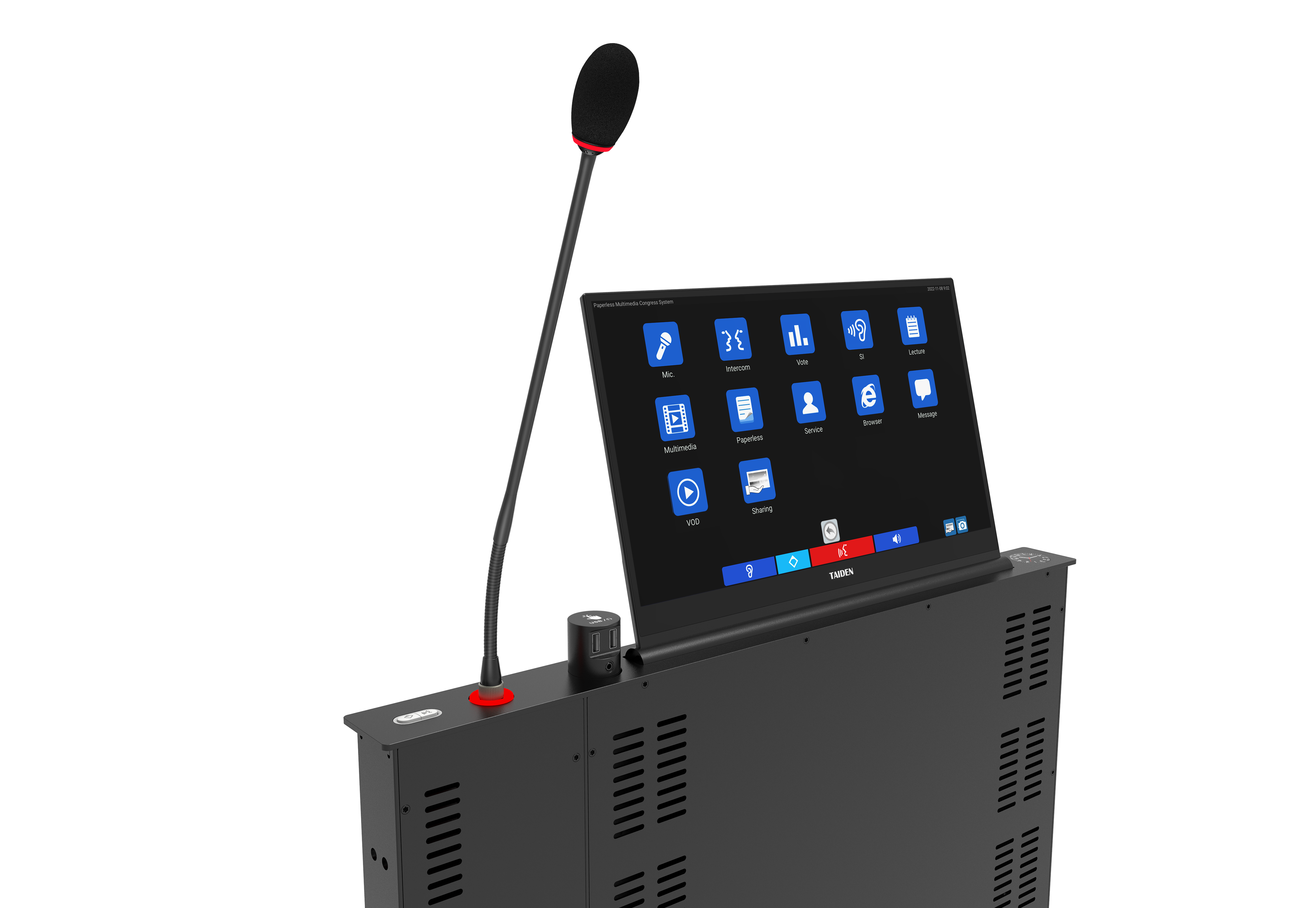
Many teams chase add-ons—adapters, dongles, patchwork apps—to “complete” the room. A smart multimedia meeting system reframes the problem by unifying audio, video, and control under one fabric. Look, it’s simpler than you think: when the mic arrays, displays, and control panel speak a common protocol, the room stops acting like a puzzle. Old stacks chain together disparate boxes; each adds a tiny delay to your latency budget and another place for packet loss. Newer integrated designs push logic closer to the table via edge computing nodes, streamline power with PoE switches, and minimize hops that create sync drift.
The hidden pain is not just the cabling. It’s version drift and admin load. Firmware on five brands means five update cycles. One patch breaks screen share; another changes echo cancellation; a third upsets SIP trunking. Users feel it as “Why is audio low today?” or “Why won’t the camera wake?” Underneath, the codec pipeline has to juggle formats while power converters introduce noise. With each layer added, redundancy failover becomes guesswork, and your help desk turns into a live switchboard. The result: the paper is gone, but the pressure remains (and the meeting runs late). A unified system trims this stack, and with fewer moving parts, support becomes proactive—not heroic.
Forward-looking comparisons: principles that actually move the needle
What’s Next
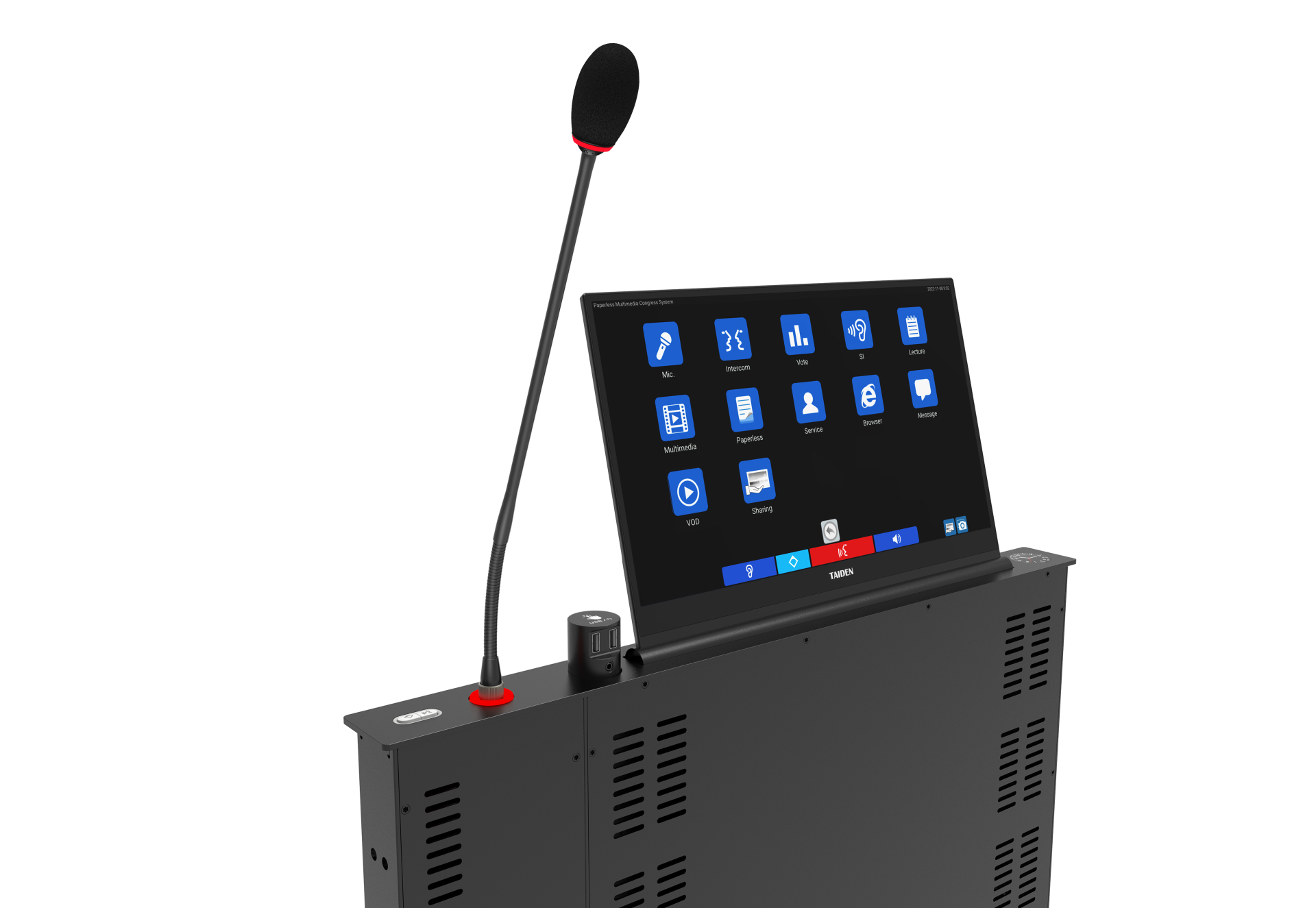
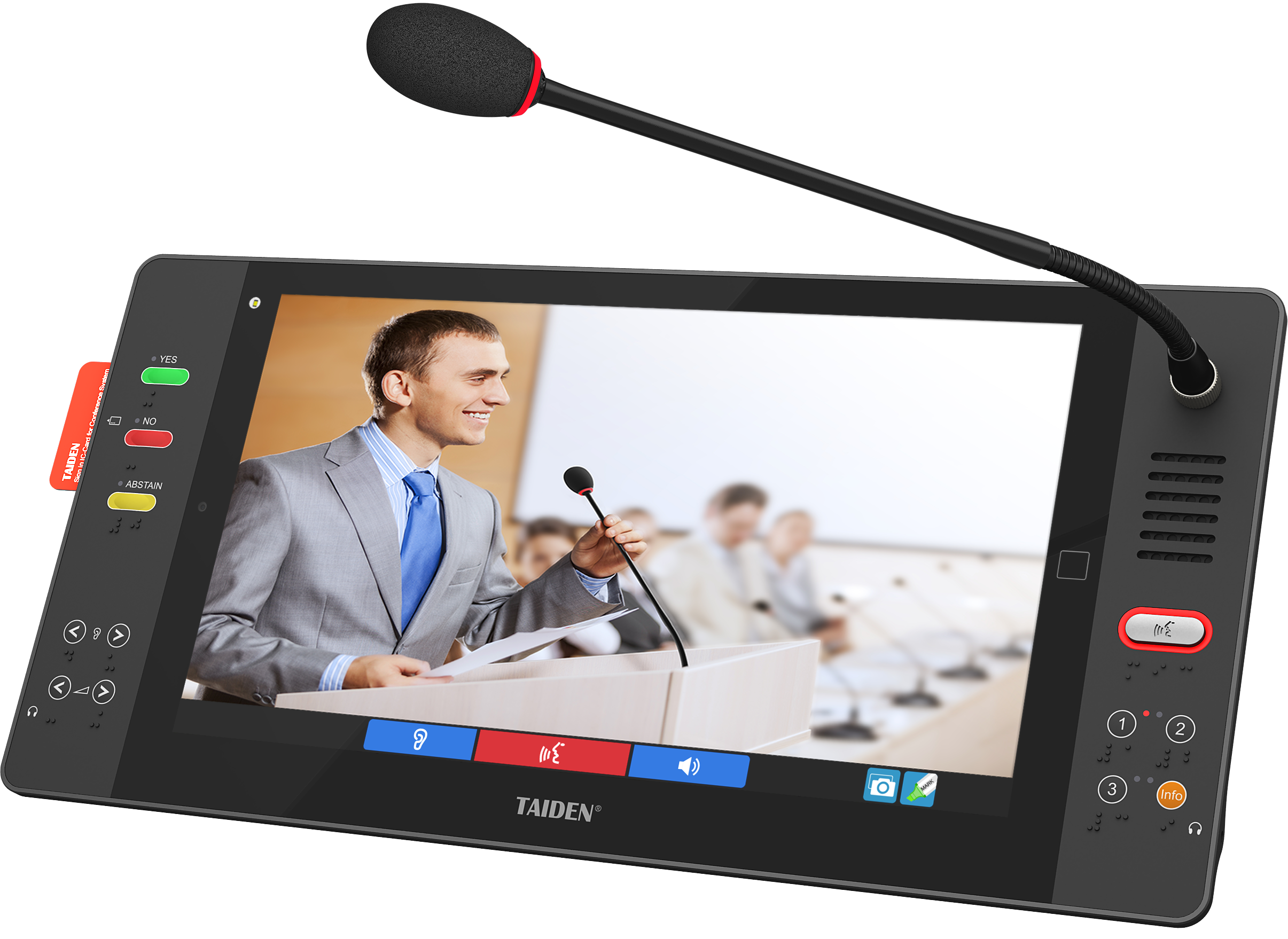
Let’s shift from problems to working principles. Think end-to-end orchestration, not parts. Systems that sync AV-over-IP on a deterministic clock reduce jitter and keep speech and slides in lockstep. Auto-provisioning trims setup time, while adaptive noise control and beamforming stop room buzz before it starts. Add one more layer—continuous monitoring—and you see issues before users do. The goal isn’t magic; it’s predictable performance under load. Even better, when the table units include a microphone with screen, participants read, vote, and speak from one device—less juggling, fewer taps, more focus.
Comparatively, legacy builds behave like a caravan: strong but slow, especially when the network path changes. Integrated systems behave more like a train on rails—one timetable, one conductor, fewer surprises. That’s why the future will favor rooms where devices share a time base, where QoS is baked in, and where failover is automatic. And yes, it should still feel human. Short taps, clear prompts, and a safety net when someone plugs in the wrong cable—because they will—keep meetings kind and on pace. To choose wisely, steer by three checks: 1) End-to-end latency under stress (screen share plus recording plus remote guests). 2) Lifecycle clarity—firmware cadence, backward compatibility, and vendor interop. 3) Network and power resilience—PoE redundancy, path diversity, and graceful degradation. Do these, and the paperless promise turns into time back, not just paper saved—funny how alignment fixes more than features.
In practice, that means testing real workflows, not just spec sheets. Run a load test, simulate a link flap, try mixed client devices, and see if the session stays smooth. If the room keeps pace when conditions wobble, you’ve found a keeper. If not, keep looking. Steady systems make kinder meetings, and that’s the point. TAIDEN